
Workflow automation
Save Time With Automation: Which Tasks Should You Start With?
Find repeatable work worth automating, compare tools by workflow needs, and calculate net time savings. Includes a printable automation worksheet.
The short answer
How can a small business save time with automation?
Start with one repeated task that has clear inputs, predictable rules, and a person responsible for exceptions. Measure the manual work, simplify the steps, and test an automation against real examples. Count the time returned after review, corrections, and maintenance before expanding it.
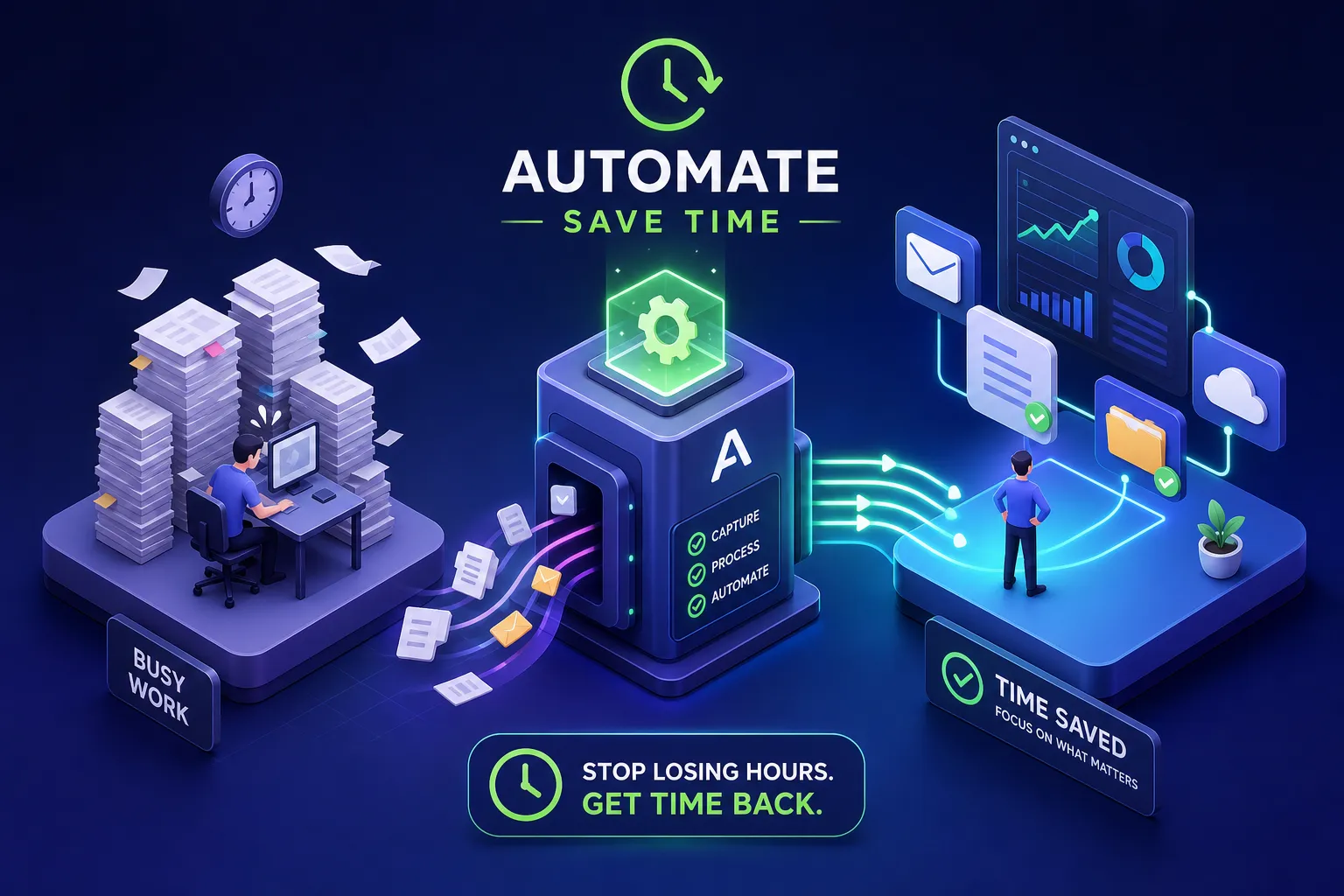
Concept illustration of connected workflows; the chart does not show measured customer results.
Copying an inquiry into a customer record takes a few minutes. So does checking whether a colleague sent the welcome email or reminding a customer about an appointment. The useful question is how much of that work follows a rule your team can explain and trust a system to carry out.
Automation can move information, create tasks, and send scheduled messages. It still needs a defined process, working connections, and someone to handle the cases that do not fit.
This guide helps you choose a first workflow, estimate its value, and decide what to test before relying on it.
Start with the resource: Download the free Automation Opportunity Worksheet (PDF). Use it to record a repeated task, estimate net time savings, and plan a small pilot. No signup required.
What business process automation means here
Business process automation uses software to carry out defined parts of a business process. Workflow automation describes the linked steps: what starts the work, which information moves, what rules apply, and what happens next. The terms overlap; a useful project brief should explain the actual sequence instead of depending on the label.
For a small service business, that sequence might begin with a website inquiry and finish with a record that has an owner and a follow-up task. Automation does not need to make every decision in between.
Consider this hypothetical example:
- A customer sends an inquiry containing a service, location, and reply address.
- The process checks whether the information required for routing is present. Incomplete requests remain visible for a person to review.
- The CRM is checked for an existing matching record before a new record is created. Ambiguous matches need a defined review path.
- A suitable request receives an owner and a follow-up task. Any acknowledgment confirms receipt without promising an unapproved appointment.
- A failure creates a visible exception for the responsible person. Recovery checks what already happened before repeating a step.
The outcome to test is that each valid request appears once, with the correct information and a responsible person. A successful automation run is useful evidence, but the final customer record and task also need to be checked.
Identify the work before choosing a tool
Record repeated tasks over a representative working week. Include the time spent finding information, checking it, fixing mistakes, and chasing the next person. For seasonal or monthly work, observe a period that includes those tasks.
For each candidate, answer five questions:
- What starts it? A form submission, an approved job, a booking, or a scheduled date?
- Are the inputs usable? Which details must be present, and where do they come from?
- Can you explain the rules? What should happen in an ordinary case?
- Where is judgment needed? Which decisions or unusual requests need a person?
- Who owns the result? Who notices a missed step and resolves it?
Frequency is one factor. A monthly report that takes hours may deserve attention before a daily task that takes seconds. A checklist may be enough for low-volume work with frequent exceptions.
Choose a candidate with visible effort, clear rules, and a manageable consequence if the pilot fails. Simplify unnecessary steps before connecting the remaining ones.
If the difficulty is coordinating customer records in a sheet, the spreadsheet versus CRM exercise helps separate working-rule problems from capabilities that need a different system.
Five workflows worth examining
These are places to investigate, rather than a ranking of guaranteed returns. Your volume, tools, and exceptions determine which is worthwhile.
1. Inquiry intake and CRM updates
A website inquiry could create or update a customer record, assign an owner, and add a follow-up task. Define how existing contacts are matched and which system holds the authoritative record. An email address may help with matching, but shared addresses and changed details need consideration.
Test a duplicate submission and a request with missing information. Re-running the same inquiry should not silently create extra contacts or send repeated acknowledgments. Keep incomplete requests visible to someone who can resolve them.
2. Appointment communication
Scheduling tools can provide booking options and send reminders tied to appointments. Calendly's workflow documentation describes messages triggered by booking activity, with workflows assigned to specific event types.
Check your availability rules, buffers, message content, and cancellation behavior before enabling reminders. A consultation call may fit self-service booking; a site visit requiring travel or an initial assessment may need review first. Test rescheduling so the customer receives current instructions.
3. Follow-up tasks
An inquiry can create an assigned task with a due date. A later check can flag requests that still need a response. This is useful when the problem is remembering the next action.
For customer-facing sequences, define what stops further messages: a reply, a booking, a closed request, or a request to stop. Check that the system can detect those events. A reminder to a staff member is a simpler starting point when customer status is unreliable.
4. Client onboarding
An agreed start event could create a project folder, assign an onboarding checklist, and prepare a welcome message. Make that event precise: a signed agreement alone may be insufficient if the team must also confirm a start date or another prerequisite.
Map which information goes into each tool and who checks it. Keep scope changes and unusual customer requirements with the responsible person. Automation can prepare the standard work while leaving those decisions visible.
Our client onboarding automation guide walks through the prerequisites, reminders, exceptions, and final handoff to the person delivering the service.
5. Invoice preparation and reminders
An approved milestone could prepare an invoice for review. A reminder process could check an unpaid invoice's current status before sending a message. Confirm that payments, credits, disputes, and arrangements are reflected in that status.
Start with the features in your accounting system and preserve its records. A pilot should not independently decide amounts or payment terms. Test paid and canceled invoices as well as the ordinary unpaid case; sending the wrong reminder creates work for both the customer and your team.
Compare tools against the workflow you need
Write the required steps before comparing platforms. An app appearing in an integration directory does not establish that it supports the exact event, field, or action you need.
Use this comparison to guide a small test:
| Workflow requirement | Option to investigate and checks to make |
|---|---|
| Work stays inside your current CRM | Check its built-in automation for required actions, account permissions, plan access, and an accessible run history. |
| Events in one app should trigger actions in another | Zapier's Zap workflows: verify the specific triggers and actions, timing, field mapping, and behavior when a step fails. |
| Different conditions need different paths | Make routers: test routing conditions, fallback behavior, data mapping, and how your team will inspect a run. |
| A process needs an approval decision | Power Automate approvals: check approver access, connector availability, licensing, and the steps that depend on approval. |
| The main task is appointment communication | Check a scheduling tool's native workflows for event types, message timing, booking changes, and available features in your account. |
These capabilities overlap. Make documents conditional routes and a fallback route; Microsoft documents flows that wait for an approval response. Those are useful capabilities to test, not proof that either product is best for every business.
Compare total cost using your expected workflow: setup, subscriptions, usage, monitoring, and changes. Billing units differ, so a headline price or an equal-looking usage allowance is not enough. Check current terms for the actual design before choosing a plan.
Use our small-business automation tools guide to compare the required actions, operating costs, and recovery behavior before committing to a platform.
Calculate net savings and setup break-even
Measure the current task, then estimate the human work left after automation. Include review, exception handling, and recurring maintenance without counting the same time twice.
Illustrative example only: A team handles 30 forms each week. Manual processing takes five minutes per form. The proposed workflow leaves one minute of human review per form, plus 15 minutes of weekly maintenance.
| Calculation | Minutes per week |
|---|---|
| Current work: 30 × 5 | 150 |
| Review after automation: 30 × 1 | 30 |
| Remaining maintenance | 15 |
| Net time returned: 30 × (5 − 1) − 15 | 105 |
That is one hour and 45 minutes per week under these assumptions. It is a planning example, not an industry benchmark or a promised result. If correction time exceeds the allowance, the net saving falls.
Now include setup. Suppose mapping, building, testing, and training take eight hours, or 480 minutes. At 105 minutes returned weekly, the time-only break-even is 480 ÷ 105 ≈ 4.6 weeks. Under unchanged conditions, the setup time would be recovered during the fifth week.
This does not calculate financial payback: subscriptions, implementation charges, and the value of the time returned are separate inputs. Saved time may increase capacity without reducing payroll or creating extra revenue. If net weekly savings are zero or negative, the example has no time-saving break-even; reassess the design or justify it on another measurable benefit.
Record these assumptions in the Automation Opportunity Worksheet, then replace estimates with observed results from the pilot.
Test the workflow and its exceptions
Define a successful outcome in plain language: “Each valid inquiry appears once in the CRM, with the correct details and an assigned owner.” Test that outcome in the destination system, as well as checking the automation's run status.
Use representative examples, with permission to use any customer information. Include an ordinary request, missing data, a duplicate, a changed or canceled request, and a failed connection. For messages, use test recipients and inspect the content before contacting customers.
Decide what happens when only part of the workflow succeeds. If a record was created but its follow-up task failed, restarting everything may create a second record. The recovery procedure should identify what already happened and safely complete the remaining work.
Platforms provide tools for this: Make documents error handlers and incomplete executions, while Zapier's history view supports reviewing runs. Your configuration still determines which problems are retried, held for review, or reported to a person.
Before the pilot, write down the owner, backup contact, alert destination, manual fallback, and how to pause the workflow. Give the person maintaining it a short description of the rules and connected accounts.
Review the result before expanding
Run a limited pilot that includes enough normal work and exceptions to assess it. Compare similar workloads using the same measurement method. A quiet week after a busy baseline can make an automation appear more effective than it is.
Track human time, corrections, missed work, and the accuracy of the final records. Ask the people using the process whether it reduced effort or shifted it elsewhere. Review again when an app, form, business rule, or staff responsibility changes.
Expand after the current workflow is dependable and its benefit is visible. The next opportunity may be a connected handoff, or it may be a different task with a clearer payoff.
Frequently asked questions
Do we need AI to automate routine work?
Many tasks can use explicit rules, such as creating a task when a form arrives. AI may be useful for less structured inputs, but it needs a defined task, review criteria, and a plan for uncertain or incorrect output. Choose it when the work warrants that additional complexity.
How much maintenance should we allow?
Start with an estimate based on the number of connections, exceptions, and changes you expect. Record actual review and recovery time during the pilot. There is no universal weekly allowance; use what you observe to adjust the plan and savings calculation.
Can we start without buying another platform?
Check the tools you already use. A native reminder, task rule, template, or shared checklist may address the problem. Confirm feature access and limits in your account before assuming an automation is included.
Choose one process to examine
Pick a task your team repeats, record how it works, and identify the person who can confirm a successful result. That gives you something concrete to test and estimate.
Before commissioning an investigation, use our automation audit scope and deliverables guide to compare the evidence, findings, exclusions, and implementation work a proposal includes.
Wallace Shift's automation services begin by mapping repeated work, handoffs, and the tools involved. Our paid automation audit traces the work, assesses its cost and failure points, and returns a prioritized plan. Workflow builds and ongoing support have defined scopes; platform subscriptions and third-party usage are separate costs. Review the automation pricing and scope or tell us which process is taking your time.